Creative · Presenters
Presenters
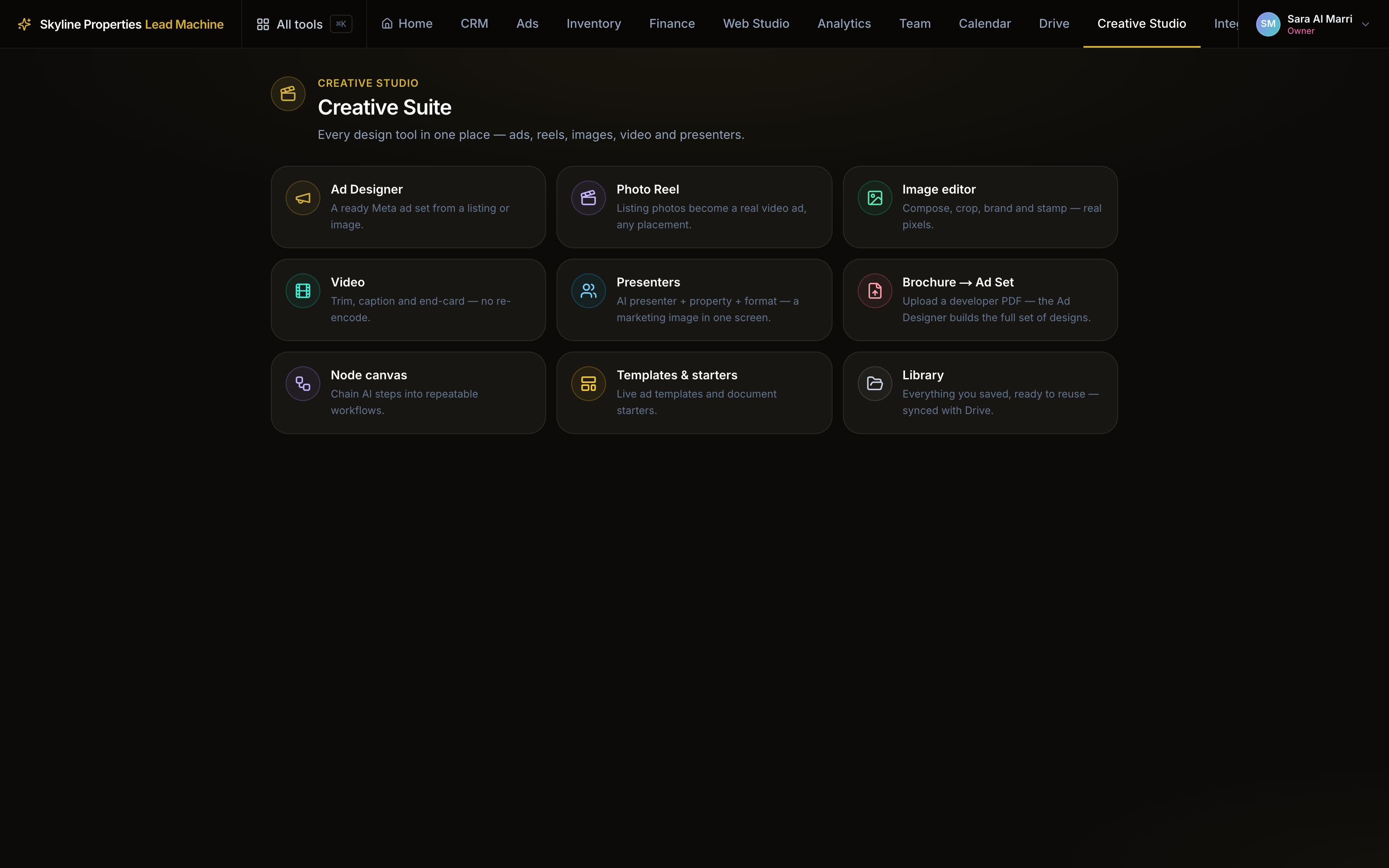
Three on-camera presenters, each with one saved face for your whole company, so it is the same person in every creative.
Inside every workspace, in the Creative Studio. It runs on the credit on your account.
skyline.entrestate.com/freehold-intelligence/creative-studio/presenters
You give it
A presenter, a listing and a shape.
You get
A marketing image with the presenter and the property, in one screen.
Every figure on it comes from the listing. It never invents a price.
How you use it
The steps
- 01
Pick the presenter
The face is saved once and used every time. - 02
Pick the listing
The photo and the price come from the record. - 03
Pick the shape
Feed, square or story. - 04
Generate and save
It lands in the library, ready for the Ad Designer.
All nine apps, in one line each: Creative. The longer guide: Studio guide.
Continue
Ad Designer
Pick a listing and get a set of finished Meta ad designs, built from its own price and payment plan.
Photo Reel
The photos of a listing become a video ad: a slow move across each photo, an opening title, a closing offer card.
Image editor
Crop, reframe and touch up the photos in your library before they carry a design.