Creative · Ad Designer
Ad Designer
Pick a listing and get a set of finished Meta ad designs, built from its own price and payment plan.
Inside every workspace, in the Creative Studio. It runs on the credit on your account.
skyline.entrestate.com/freehold-intelligence/creative-studio/ad-designer
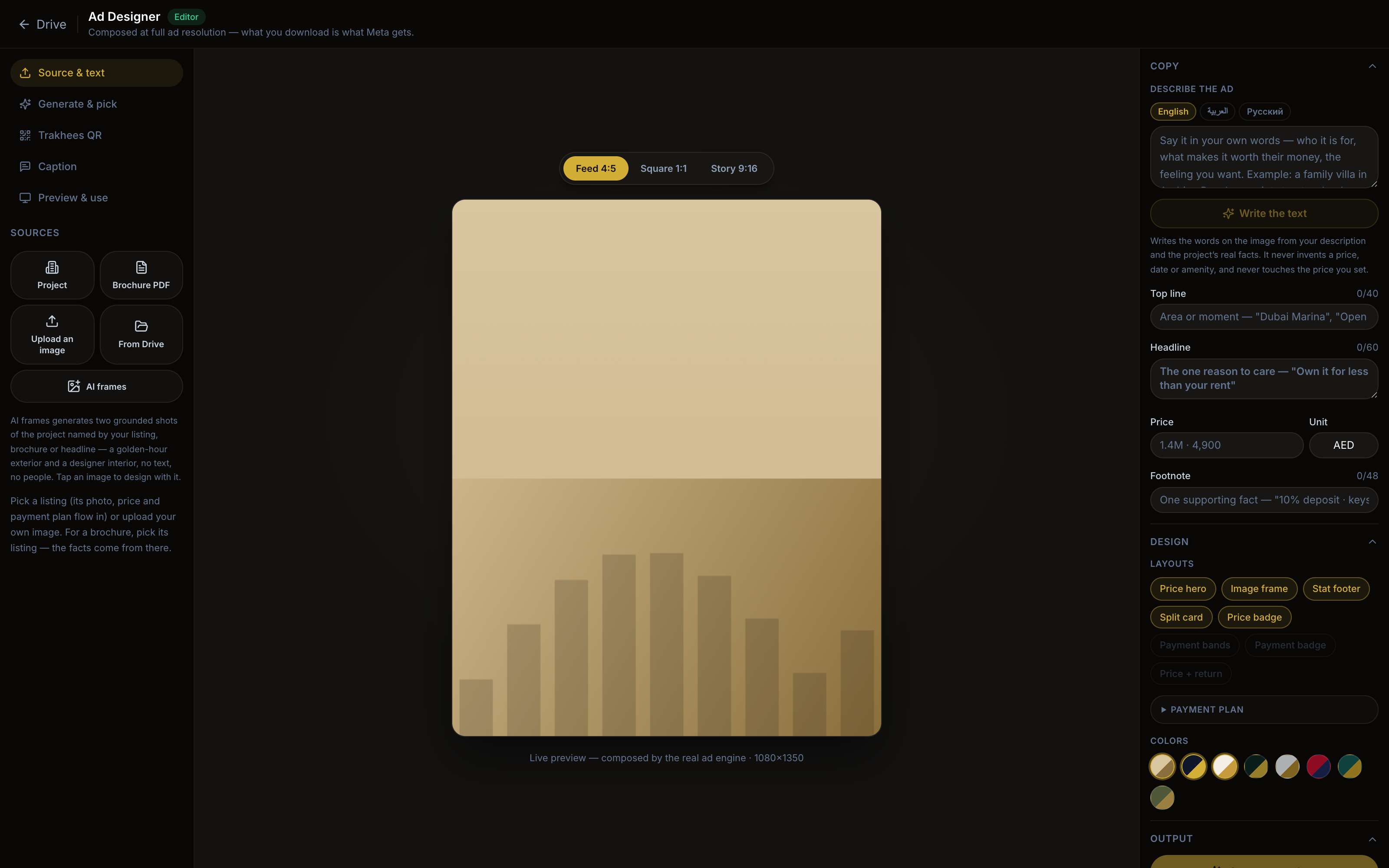
You give it
A listing from your inventory, or one photo.
You get
A grid of ready designs in feed, square and story shapes, with the permit on each and the caption written.
Every figure on it comes from the listing. It never invents a price.
How you use it
The steps
- 01
Pick the listing
The price, the payment plan and the photos come from the listing record. Nothing is typed twice. - 02
Choose the layout and the palette
Eight layouts. Three of them lead with the down payment, the way Dubai ads do. Arabic flips the design right to left. - 03
Add the permit and write the caption
The permit QR goes on every size. The caption is written for you; you change what you want. - 04
Download or send to the ad set
One ZIP with every shape, or straight into the campaign that already works.
All nine apps, in one line each: Creative. The longer guide: Studio guide.
Continue
Photo Reel
The photos of a listing become a video ad: a slow move across each photo, an opening title, a closing offer card.
Image editor
Crop, reframe and touch up the photos in your library before they carry a design.
Video
Trim a clip, add a caption and a closing card, pick the cover frame. A large phone clip is shrunk here, without leaving the app.