Creative · Brochure to Ad Set
Brochure to Ad Set
Drop a developer’s PDF. The studio reads the facts, creates the listing and its page, and designs the ads from the same numbers.
Inside every workspace, in the Creative Studio. It runs on the credit on your account.
skyline.entrestate.com/freehold-intelligence/creative-studio/ad-designer
You give it
The developer’s brochure, as a PDF.
You get
The listing in your inventory, its landing page, and a set of ad designs.
Every figure on it comes from the listing. It never invents a price.
How you use it
The steps
- 01
Drop the PDF
The brochure the developer sent you. - 02
Check what it read
Price, payment plan, handover, unit types. You correct anything before it goes further. - 03
The listing and its page are created
In your inventory, with the facts it read. - 04
The ad set is designed
From the same numbers, in every shape.
All nine apps, in one line each: Creative. The longer guide: Studio guide.
Continue
Ad Designer
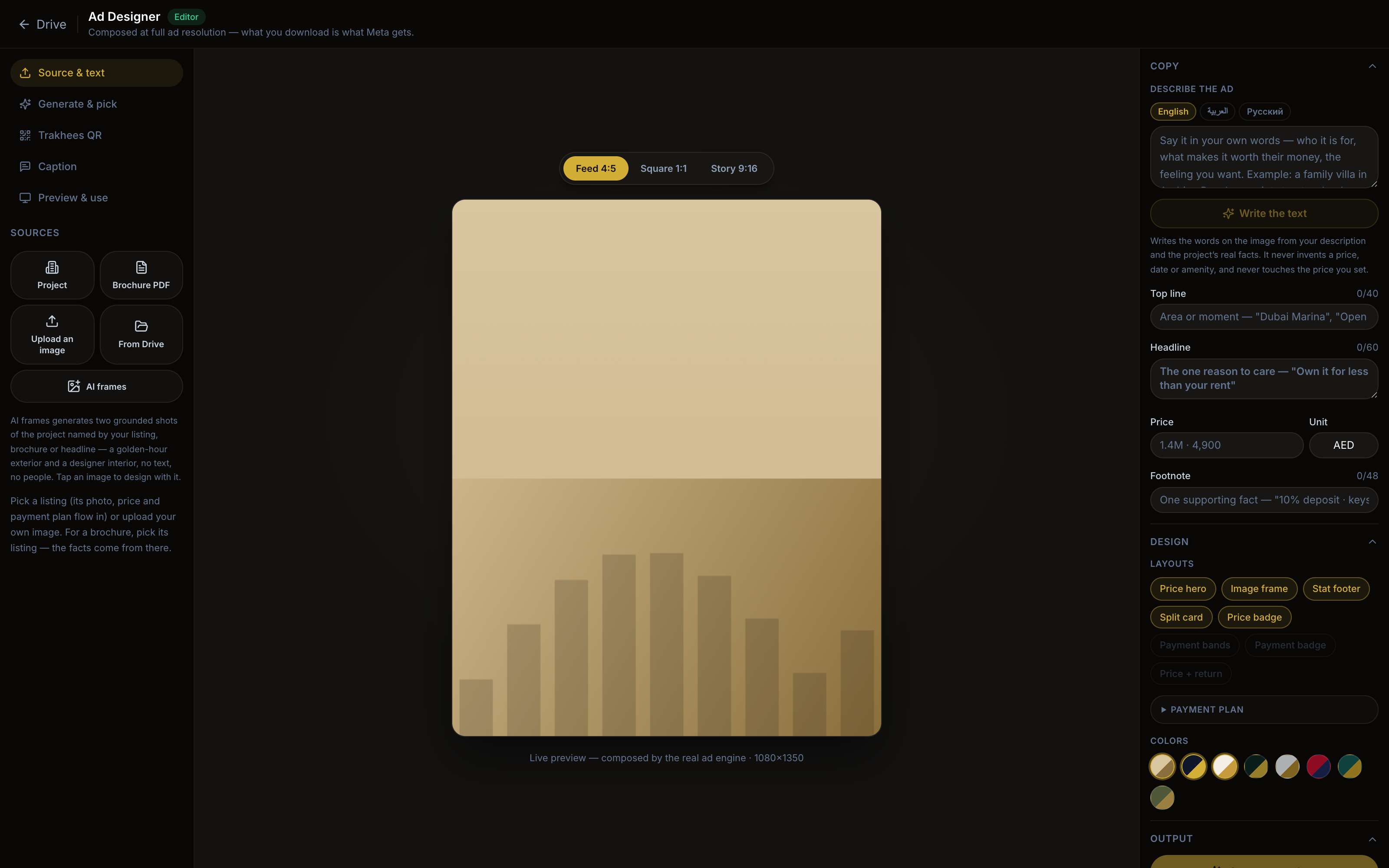
Pick a listing and get a set of finished Meta ad designs, built from its own price and payment plan.
Photo Reel
The photos of a listing become a video ad: a slow move across each photo, an opening title, a closing offer card.
Image editor
Crop, reframe and touch up the photos in your library before they carry a design.