Google Ads
Search and display, run properly — keywords, budgets and the competition view.
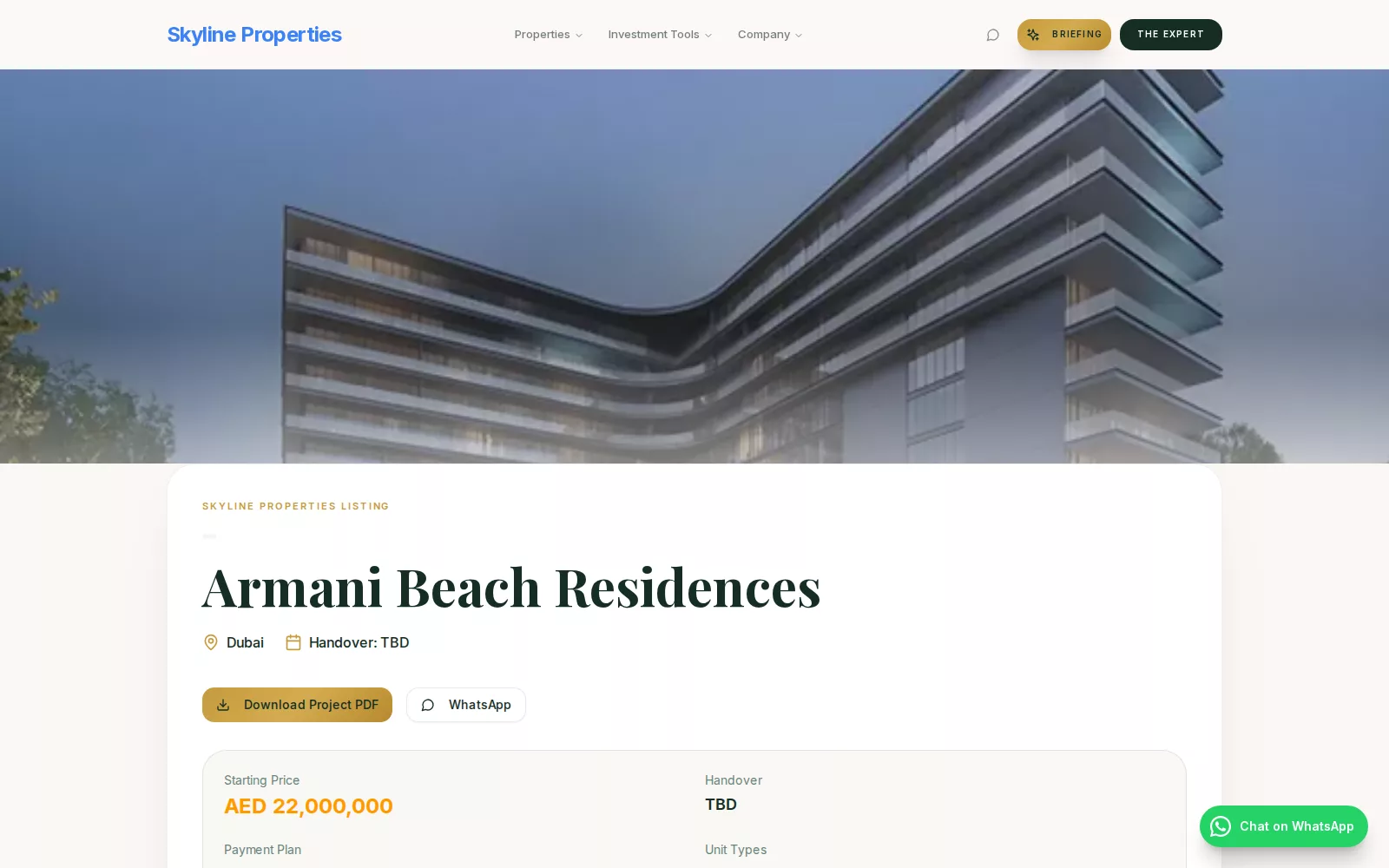
A published project page on a customer's own site: the photo, the developer, the price, the PDF and the WhatsApp line — the page every ad and keyword lands on.
Search campaigns built one ad group per buying intent: the project's name, its area and type, its developer, its payment plan, its handover year, each pointed at that project's own page.
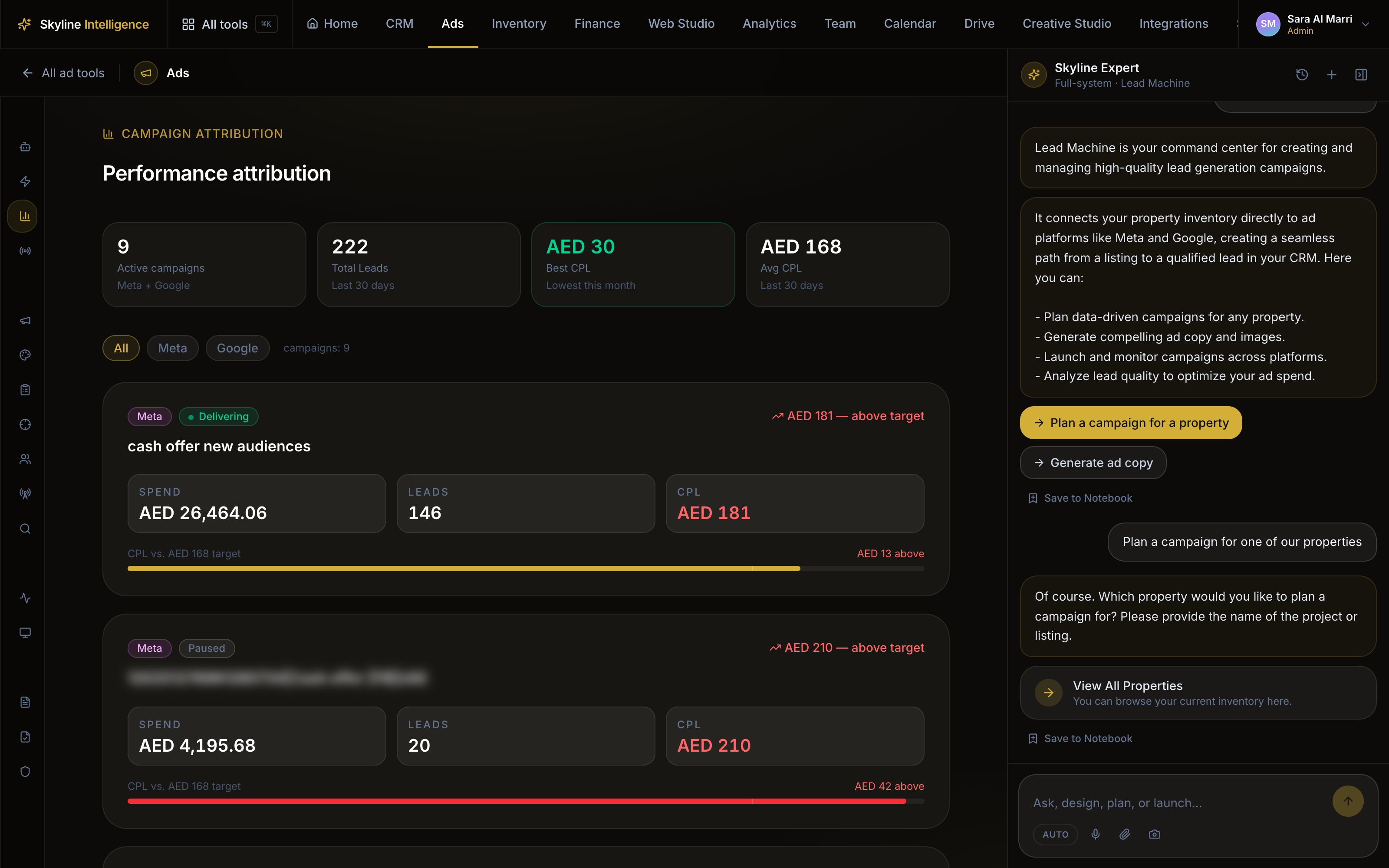
A competition view that separates the auctions you lost on rank from the ones you lost on budget, because the two have opposite fixes.
Every real search that triggered one of your ads, with what it cost and what it brought.
- 01
Connect your Google Ads account
Your account, your billing, your history. Nothing runs through ours. - 02
The keyword plan is built from your projects
One ad group per buying intent: the project’s name, its area and type, its developer, its payment plan, its handover year. A group with no fact behind it is withheld and says why. - 03
Launch, paused, and read the auction
The campaign is created paused. The competition view separates what you lost on rank from what you lost on budget, because the fixes are opposite. - 04
See what people actually typed
Every real search that triggered an ad, with what it cost and what it brought.
What it costs, and what comes with it
Subscription
Market discovery — search, data, the advisor — is already on every account. Apps add the selling work on top.